
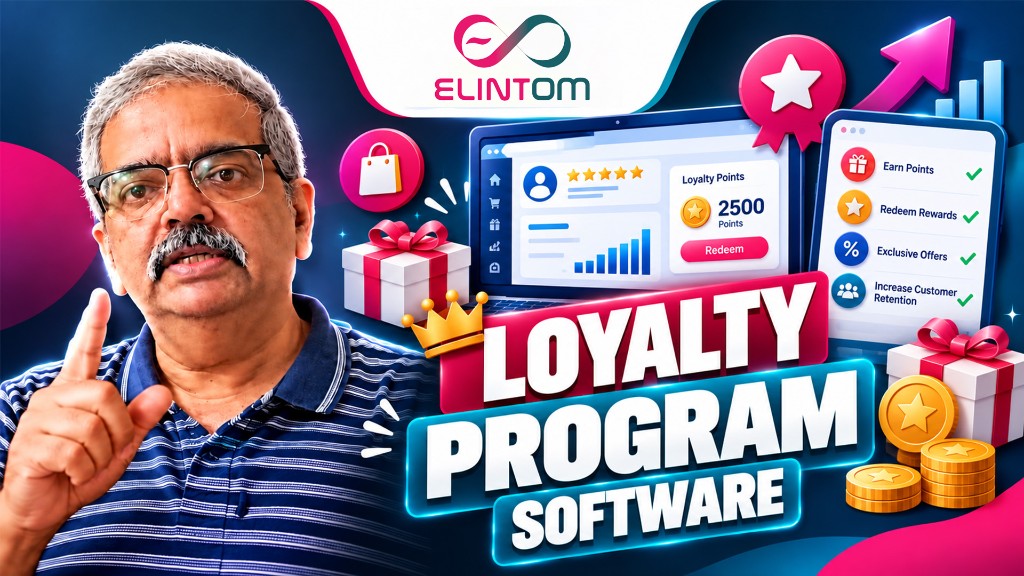
Loyalty Program Software: Earn, Redeem, and Print Points on Every Invoice
A loyalty program only works when the customer can see the points, and the cashier can apply them without a side spreadsheet. Loyalty program software should earn points on the invoice, redeem them with a check the customer controls, and print the new balance before they leave the counter.
ElintOm does that inside the same reward and loyalty points software that already runs POS billing and the customer record. Points are not a separate punch card. They are a line on the bill.
What loyalty program software should do on the invoice
Retail teams lose repeat visits when rewards live in a different app from the till. Staff guess the discount, customers do not know their balance, and online purchases never meet the in-store card.
A working program does three jobs on every sale:
- Earn. Points credit automatically when the invoice is generated, using the rate you set. Billing staff do not type a bonus by hand.
- Redeem. The customer confirms the redemption with a one-time password sent by SMS and WhatsApp. Eligible points become a discount on that invoice, capped so rewards cannot wipe the margin.
- Show the balance. The invoice prints points earned, the reward discount, and the updated balance. The same balance syncs to the customer record.
Set the rules before the first point is issued
The program is only as controlled as the settings behind it. On the loyalty points system you define:
- How many points a purchase earns
- The money value of one point, in AED, INR, or your billing currency
- How much of a customer’s balance can be redeemed on one bill
- The maximum share of an invoice that rewards can pay
Those caps are what keep a popular offer from turning into an uncontrolled discount. The cashier sees the eligible amount. They do not negotiate it at the till.
Why OTP redemption matters
Without a check, anyone who knows a phone number can spend someone else’s points. ElintOm sends the one-time password to the mobile number on the customer record. The discount applies only after that code is confirmed.
That same mobile number is already used for retail CRM, so the reward, the purchase history, and the next message sit on one profile. Store staff are not maintaining a second loyalty database.
One balance across the counter and the branch
Points earned in one branch should be redeemable in another. Because earning is tied to POS billing on the ElintOm platform, each invoice updates the same customer balance. A shop in Dubai and a shop in Mumbai are not running two paper cards for the same person.
If you are still choosing a tool, start with customer loyalty software for small business — what to check before you buy. This guide is the operating model once the program is live: earn on the invoice, redeem with OTP, print the balance.
Who this is for
Fashion stores, restaurants, and multi-branch retailers use the same pattern. The earn rate and the redemption cap change. The workflow does not. If your team already bills in ElintOm, the loyalty program is a setting on that bill, not a new system to train.
Put the program on your next invoice
See earn rules, OTP redemption, and the printed balance on your own products. Book a loyalty program demo, or open the reward and loyalty points page and run the redemption calculator with your numbers.
Frequently Asked Questions
It credits points when the invoice is generated, converts eligible points into a discount after OTP verification, and prints the updated balance on the bill.
ElintOm sends a one-time password by SMS and WhatsApp to the mobile number on the customer record. The discount applies only after that code is confirmed.
Yes. You set the point value, the earn rate, how much of a balance can be redeemed, and the maximum share of an invoice payable with rewards.


Write a Comment
Join the omnichannel commerce discussion. Your email address will not be published.
Comment Submitted
Thank you! Your comment has been successfully received and is awaiting database admin moderation.
Form: Article Comment Form