Product & SKU
- Product catalog
- SKU management
- Barcode generation
- Product identification

Inventory & barcode
Manage products, SKUs, barcodes, stock levels, warehouses and multi-location inventory from one connected retail platform.
Built for retail stores, warehouses, distributors and multi-location businesses.
The problem
The ElintOm approach
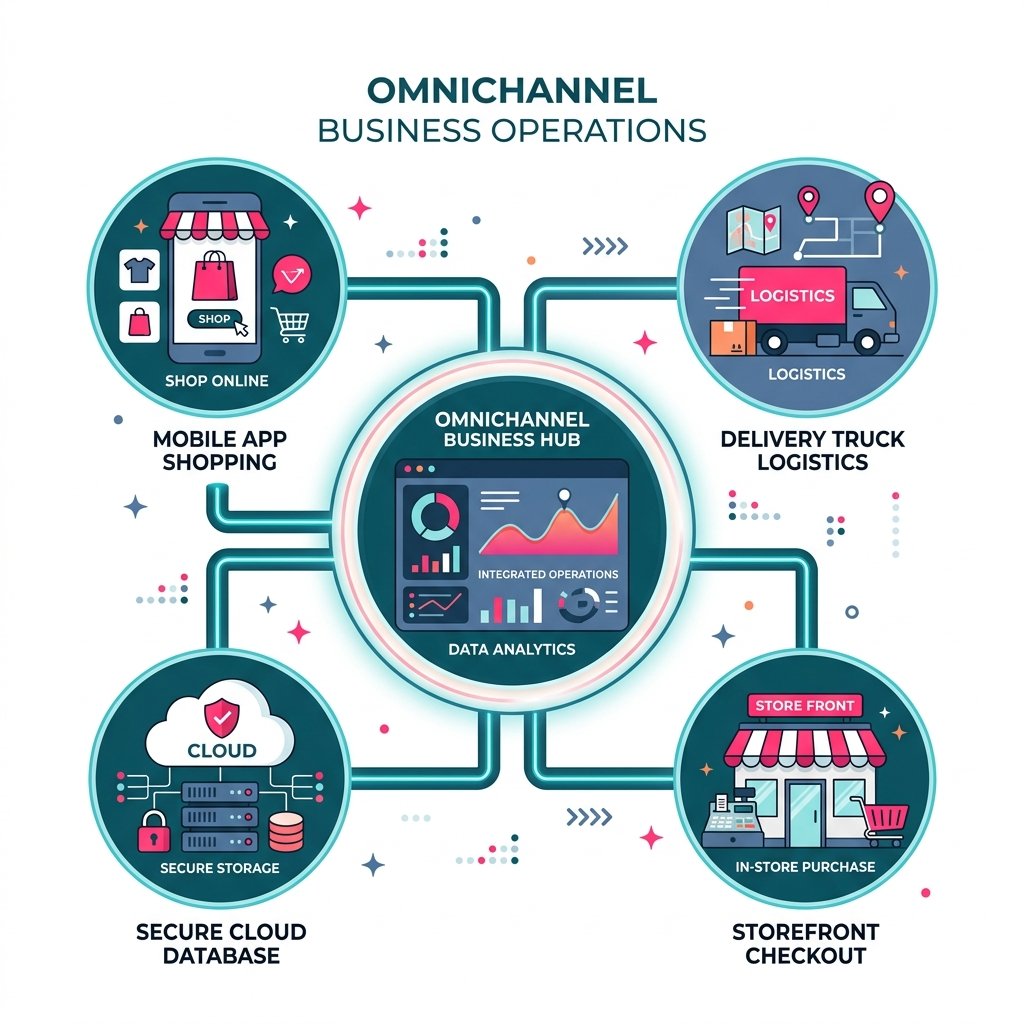
ElintOm keeps the product catalog, barcode identification, stock position, and POS sale on one platform. A scanned item can be billed, and that sale can update the stock the rest of the business is looking at.
Multi-store and warehouse movement stay in the same system where those locations are part of the account. The result is a working stock position, not a second list to reconcile at month end.
Barcode
A barcode is useful when it identifies the product, supports the bill, and updates stock. ElintOm treats those as one sequence.
Barcode scanning. Bluetooth or USB scanners on the Android POS, as part of billing and inventory work.
SKU identification. The same catalog at the register, in the warehouse, and on listings.
Product lookup. Find the item during the sale instead of retyping a code.
Barcode generation. Create barcodes for catalog items so new products can be scanned.
POS connection. The scanned sale posts to the stock record.
Offline billing. If the shop loses internet, the register can keep the sale and sync stock when the line returns.
Capabilities
Stock control
Retail and warehouse teams use the same stock record for what arrived, what is about to expire, and what a sale just removed.
Goods receipt notes bring stock in against a purchase. Damaged or counted differences are adjusted with a reason, and the movement stays on the item history.
Batch-wise stock, FIFO and FEFO picking, near-expiry alerts, and quarantine for expired units. Grocery, pharmacy, and kitchen teams use this before a lot reaches the counter.
Average cost and FIFO valuation sit with the quantity. Barcode labels can carry price and tax for the SKU. Predictive reordering from sales history is still in development. Low-stock flags are available now.
How it works
Create the product and SKU information your stores will sell and count.
Use barcodes and SKU lookup in billing and stock workflows.
Follow stock across the stores and warehouses on the account.
POS activity updates the wider retail record.
Transfer stock between the locations that account actually uses.
See what needs a purchase, a transfer, or a recount.
Who it is for
Supermarkets, grocery, fashion, electronics, and specialty retail that bill from a product list and need barcodes at the counter.
Retail chains, multi-store businesses, and regional groups that should not collapse every outlet into one blended number.
Warehouses, distributors, and teams that move stock between a godown and the stores that sell it.
Whether you operate one store or a growing network of outlets, ElintOm keeps products, stock, and sales operations connected. The store model for your account is confirmed on a demo.
POS and inventory
| Traditional workflow | Connected ElintOm workflow |
|---|---|
| Separate stock information | Connected inventory |
| Manual product lookup | Barcode and SKU identification |
| Disconnected sales activity | POS-connected inventory |
| Limited visibility | Centralized operational view |
| Manual stock processes | Structured inventory workflows |
Locations in the business
Store stock, warehouse stock, and transfers can sit on one product record. Sales update that record instead of a private spreadsheet at each outlet.
Where ElintOm supports retail operations
ElintOm helps retail businesses manage products, SKUs, inventory, barcode workflows, POS operations, stock movement, and multi-location inventory from a connected platform. It is designed for businesses operating across cities, stores, warehouses, and regional markets in India and the UAE.
Retail businesses across major cities and regions can use ElintOm for inventory, barcode, POS, and multi-location operations.
Pune · Mumbai · Bengaluru · Delhi NCR · Hyderabad · Chennai · Ahmedabad · Jaipur · Kolkata · Kochi · Lucknow
ElintOm supports retail operations across key UAE markets, on the same platform.
Dubai · Abu Dhabi · Sharjah · Ajman · Ras Al Khaimah · Fujairah
Operational visibility. Product, stock, and store activity are readable in one place.
Fewer manual steps. Barcode identification replaces retyping codes at the bill.
Connected workflows. POS, orders, and warehouse movement share the catalog.
Room to add locations. The same product record can cover more than one store when that model is enabled.
Inventory and barcode management software helps a business organize products, identify items with barcodes, and track stock as it moves. ElintOm connects that work with POS billing, orders, and warehouse activity so the stock record is part of daily retail operations.
ElintOm supports barcode scanning, barcode generation, and SKU identification inside retail and inventory workflows. A scanned item can be looked up, billed at the POS, and reflected in the stock record. Scanner setup on the Android POS is part of store onboarding.
Yes. Inventory sits on the same platform as POS. A completed bill updates the stock record used by the rest of the operation. If the shop loses internet, the register can keep the sale locally and sync when the connection returns.
Where multi-store or multi-outlet billing is enabled for the account, ElintOm can keep a shared product catalog with location-level stock. Confirm the store model for your business on a demo. A single-store account still uses the same product and stock workflow.
Yes. Warehouse quantities, transfers, and channel buffers can live on the same ledger as store stock. Deeper warehouse routing is covered on the warehouse management page.
It is built for retail stores, multi-location retailers, warehouses, and distributors that need products, barcodes, and stock in one system. It is offered for operations in India and the UAE.
Yes. Retail businesses operating in India can use ElintOm for inventory, barcode, POS, and multi-location workflows. The India team is in Pune, with a Mumbai office. Availability for a specific city is the same platform, not a separate local product.
Yes. UAE retailers use the same ElintOm platform for inventory, barcode, and POS workflows. Local contact is listed in Sharjah. This page does not claim FTA approval or Peppol certification.
Book a 15-minute demo to see how ElintOm connects products, barcodes, inventory, POS, and multi-location operations.
Book a live walkthrough
Share a few details and we will set up a POS, inventory, and CRM demo around your stores.
Thank you. Our team will contact you shortly to confirm a live walkthrough.